
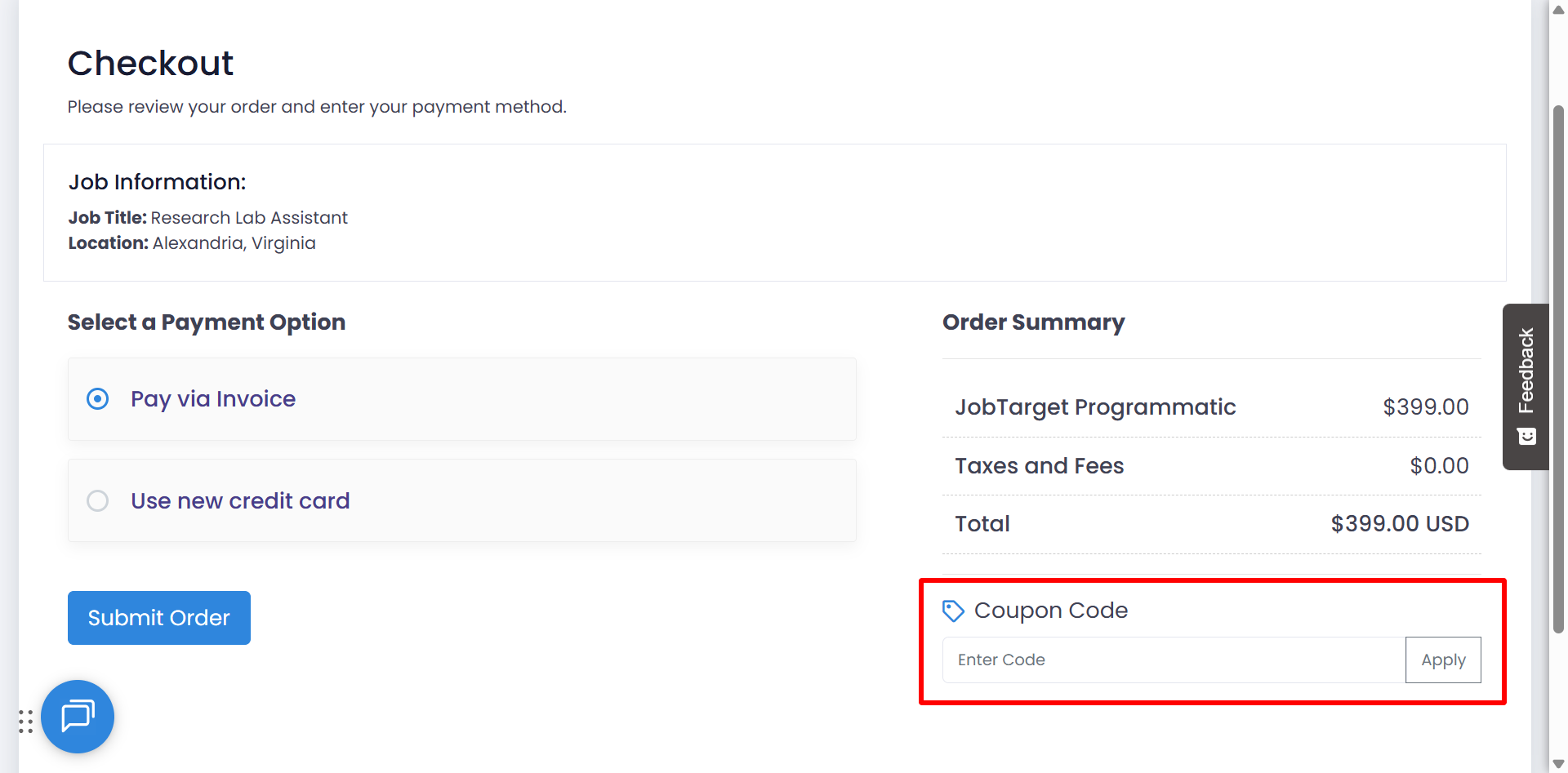
If you've received a coupon code from JobTarget you can easily apply it at checkout in the Marketplace.
💡Please refer to the terms and conditions attached to your coupon for details on which orders it can be applied to, and other pertinent information.
To apply your coupon code in the Marketplace...
- Open the JobTarget Marketplace.
- Add an eligible product, job-site, or posting option to your cart.
- Click the 'cart' button.

- Review your cart and click 'Next Step' to get to the checkout screen.
- Enter your coupon code in the field underneath the 'Order Summary' on the checkout page.
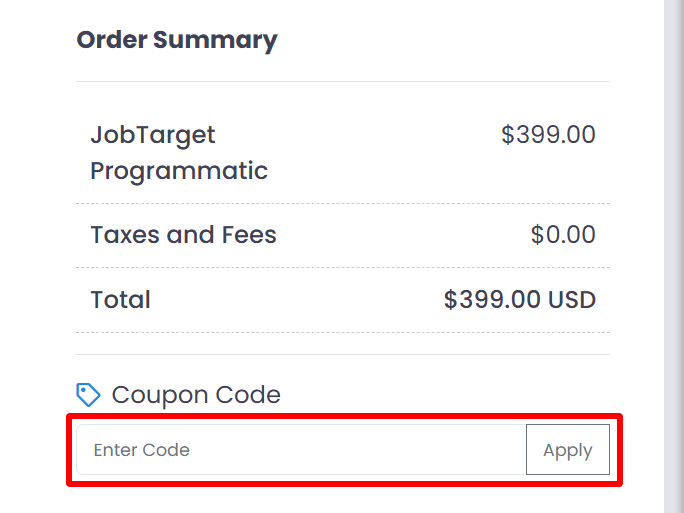
- Click 'Apply.'