
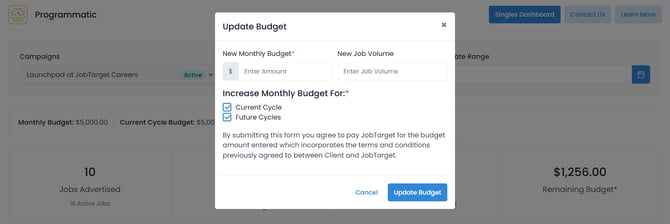
To increase your budget for the current or future cycle, click on your budget within your Programmatic+ dashboard.
You can easily add a temporary budget for the current cycle, or update your monthly budget for future cycles.
- Open your Programmatic+ Dashboard.
- Click 'Add Budget' under the 'budget' display of the dashboard.

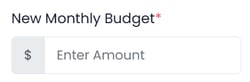
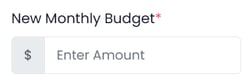
- Enter the new monthly budget you would like to set for your campaign.
- Enter the estimated monthly job volume.
- Choose whether this new monthly budget will apply to the current cycle, future cycles, or both.

- Current Cycle... If selected, the new monthly budget will be immediately applied to the currently active cycle.
- Future Cycles... If selected, the new monthly budget will continue to all future cycles.
- Click 'Update Budget'.
💡Need assistance managing your Programmatic+ budget?
Contact your Relationship Manager for additional guidance and a personalized strategy to help get your jobs the best exposure and reach the most qualified candidates