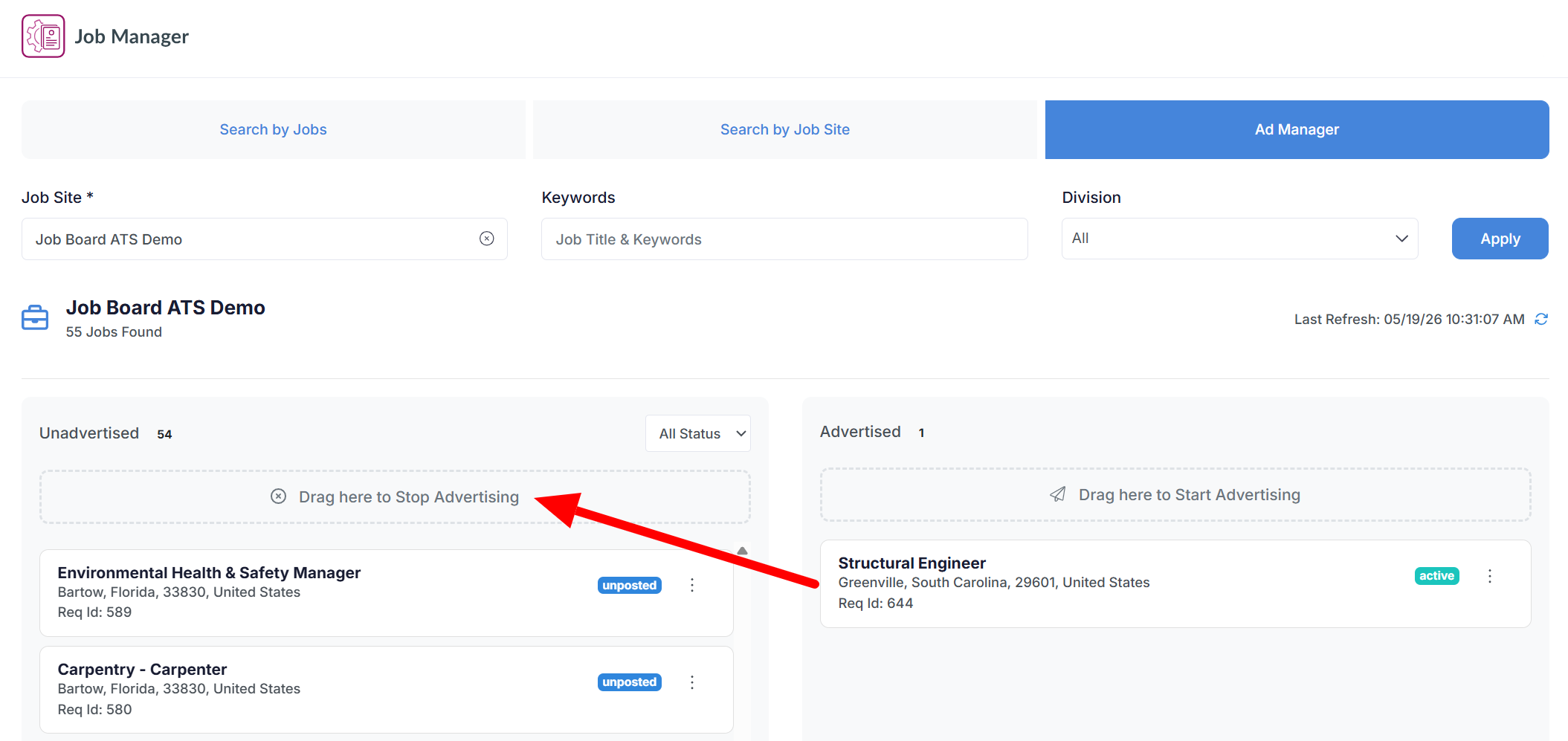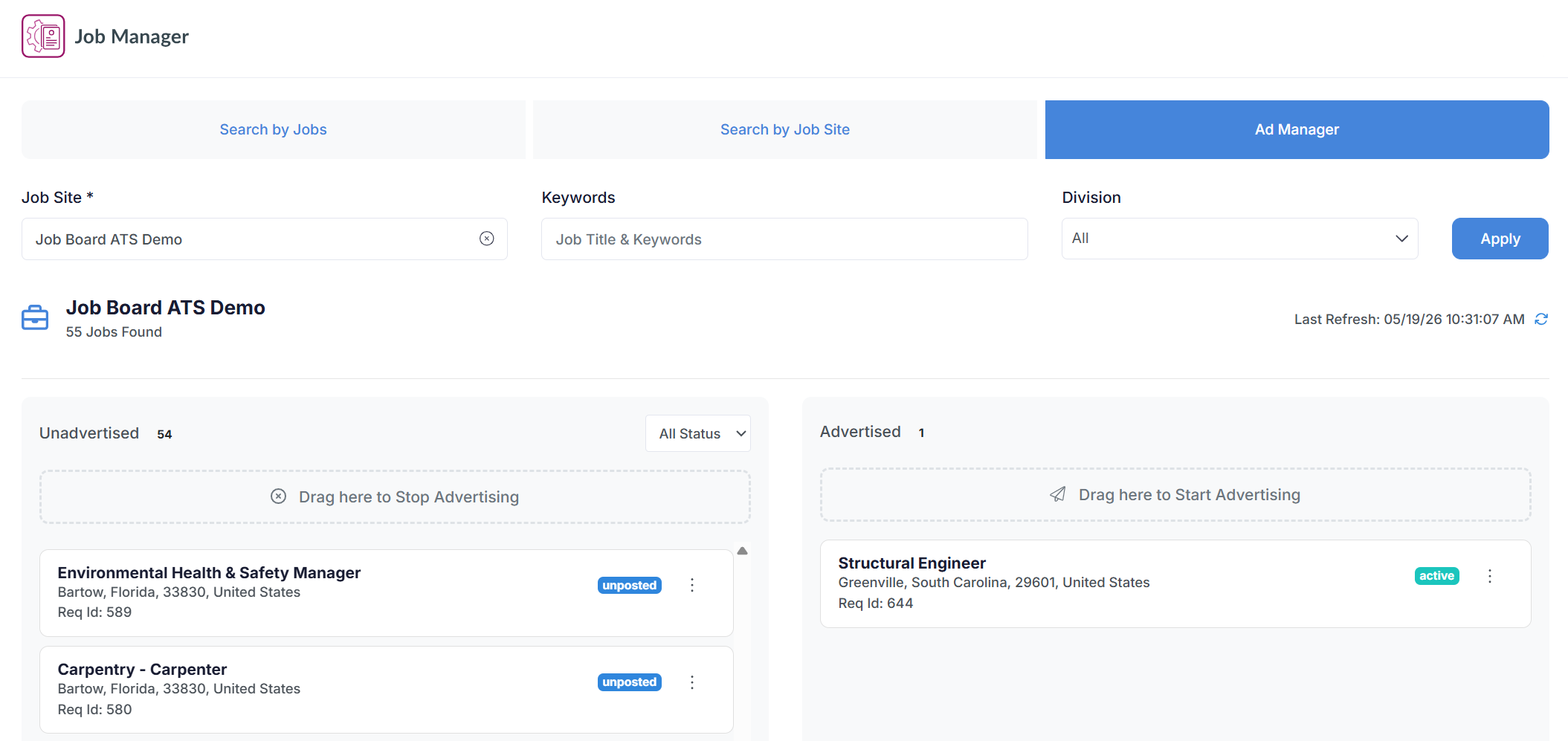
The Ad Manager let's you advertise or stop your jobs through an easy drag-and-drop interface: simply search your desired job site and drag jobs between the 'advertised' and 'unadvertised' column to manage your postings.
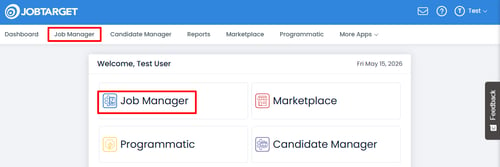
- Open the Job Manager.
- Navigate to the 'Ad Manager' tab.
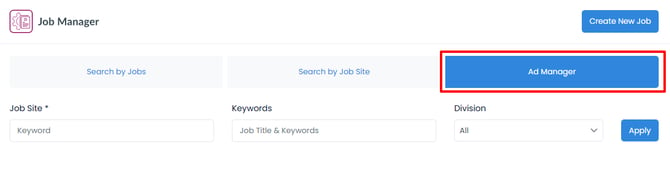
- Use the Job Site search bar to locate the site you would like to post to.
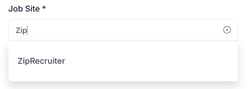
- Choose your desired job site from the dropdown menu which will populate as you type.
- You can only use the Ad Manager to post to sites you have previously advertised on.
- Drag from the 'Unadvertised' column into the 'Advertised' column to post a job to the selected site.

- Click 'Submit Order' in the Checkout panel.
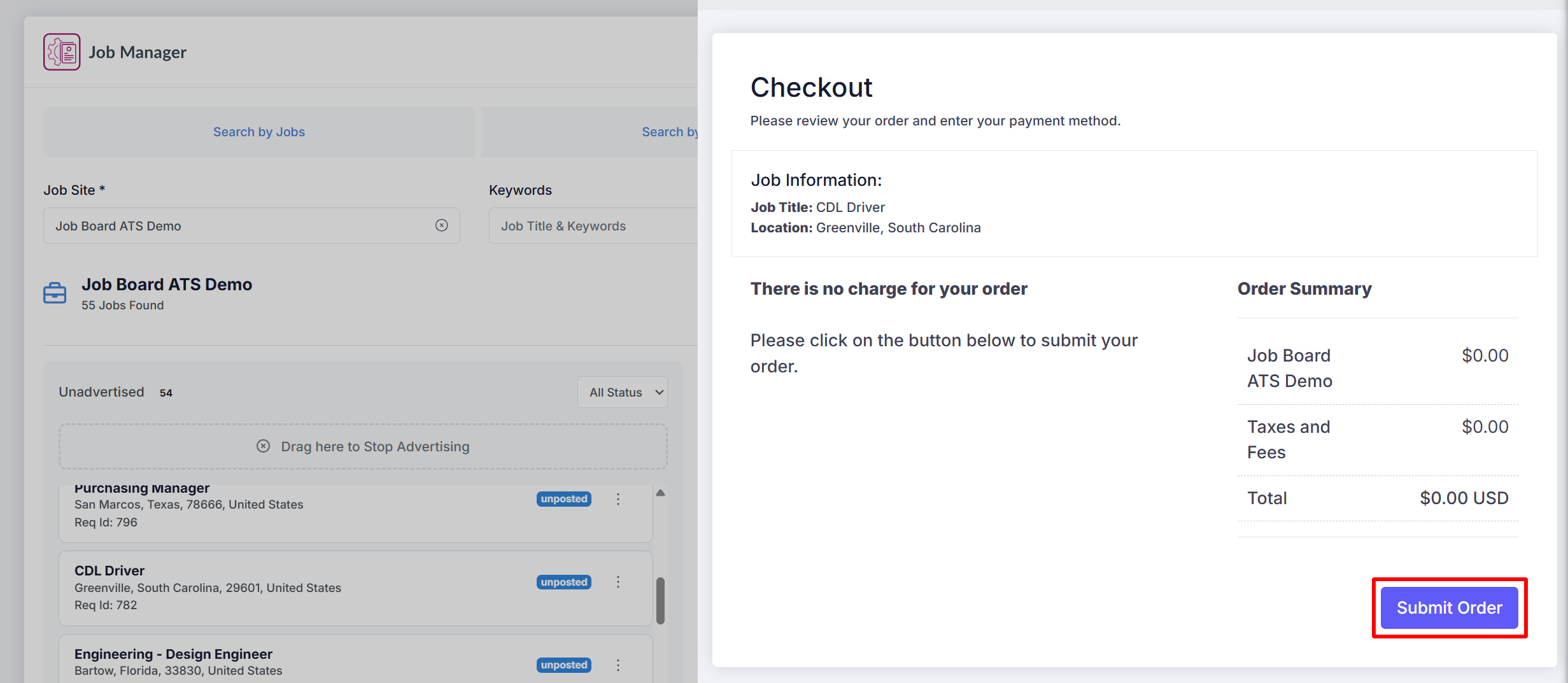
- If the checkout process is not completed your job will not be posted.
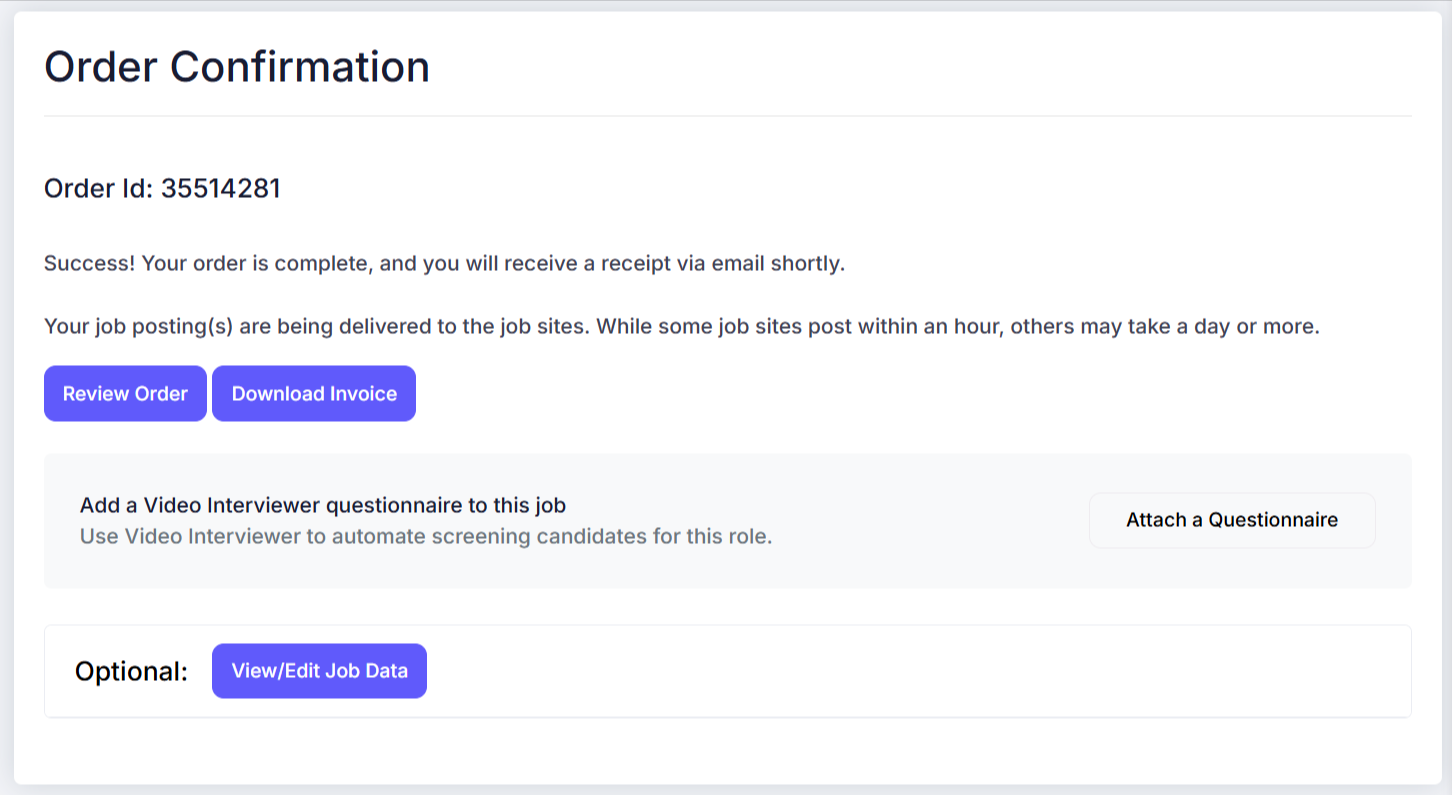
- Review order confirmation.
To stop a job posting via the Ad Manager, drag the job from 'Advertised' to 'Unadvertised.'
Once dragged to 'stop advertising', the stop-request will be sent to the job site immediately and the job will come down within 24-48 hours depending on the site.